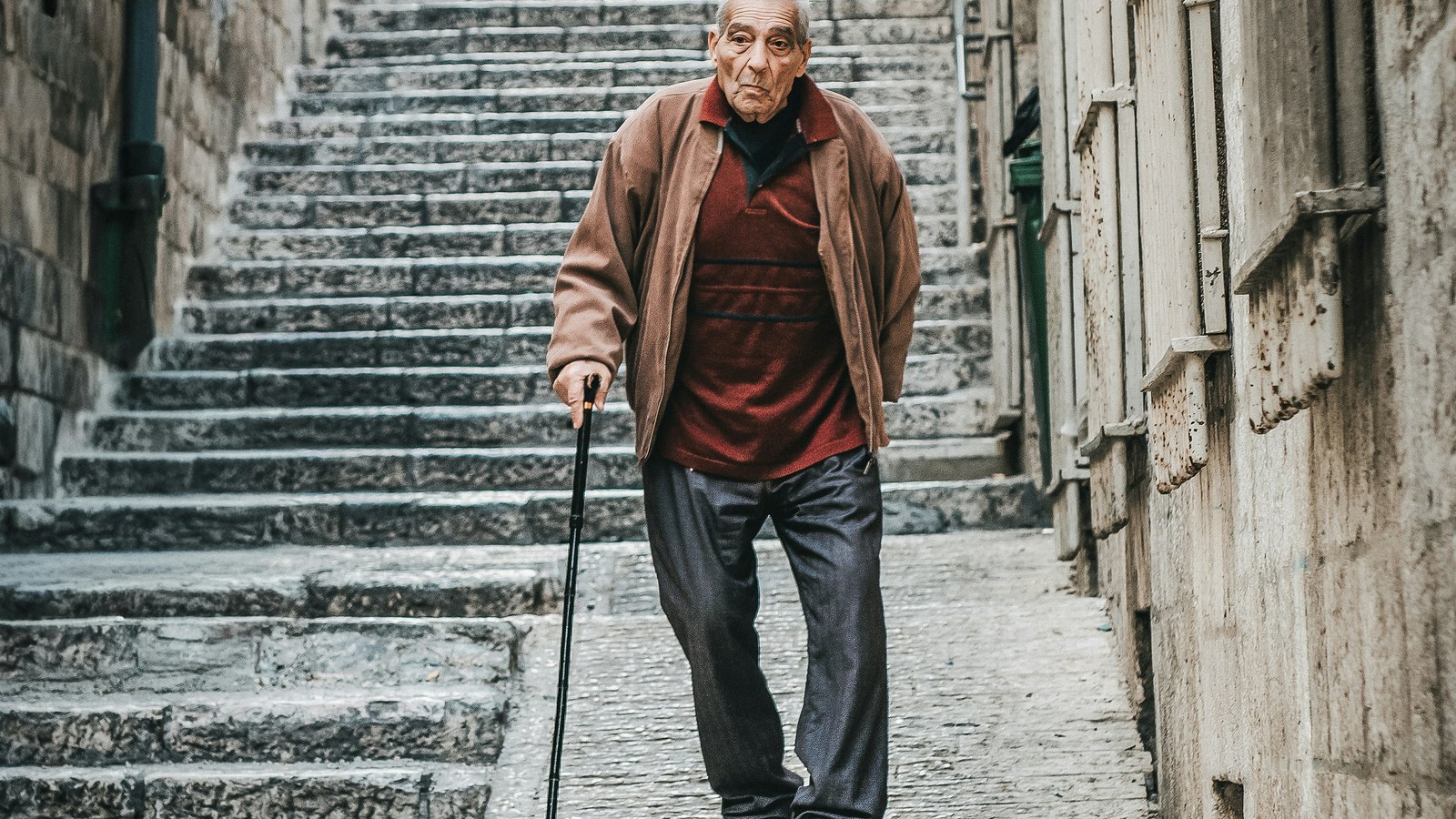
A fall is one of the few health events that can change someone's life in a single second. For an older adult, one hard fall can mean a hip fracture, a long hospital stay, and a level of independence that never quite comes back.
Apple Watch has a feature built for exactly that moment. If it detects a hard fall and you don't move, it calls emergency services for you. It is one of the genuinely useful things a wearable can do, and also one of the most misunderstood, because a surprising number of people are wearing it with fall detection switched off without knowing.
There is a second half to this story too. Fall detection is the emergency brake. The more interesting data is what happens in the months before a fall, because a lot of fall risk is measurable long before anyone hits the ground.
TL;DR: Fall Detection is available on Apple Watch SE, Series 4 and later, and Ultra. Apple's own description is specific: if the watch detects a hard fall, it taps your wrist, sounds an alarm and shows an alert. If you are moving, it waits for you to respond. If you are immobile for about a minute, it runs a 30-second countdown, then calls emergency services and texts your emergency contacts with your location. Two things catch people out. First, it is only switched on automatically if your recorded age is 55 or over. Between 18 and 55 it is automatically set to "Only on during workouts", which means it does nothing on the stairs at home. Second, it requires wrist detection to stay on, plus a cellular, satellite or Wi-Fi calling connection — a Wi-Fi-only watch away from your phone cannot call for help. Apple is also explicit that the watch cannot detect all falls and may mistake high-impact activity for one. The better question is fall risk: globally, falls are the second leading cause of unintentional injury death and cause an estimated 684,000 deaths a year, with adults over 60 suffering the most fatal falls. That risk is partly visible in your wearable data — gait speed, walking steadiness and balance all move before a fall does, and the World Falls Guidelines recommend balance and functional training three or more times a week for at least 12 weeks to reduce it.
YouTube: Related video
What Fall Detection actually does, step by step
Apple's own support documentation describes the sequence clearly, and it is worth knowing before you rely on it:
- The watch detects a hard fall. It taps you on the wrist, sounds an alarm and displays an alert.
- If you are moving, it waits for you to respond. You can tap "I'm OK" or close the alert, and nothing else happens.
- If you stay immobile for about a minute, it starts a 30-second countdown, continuing to tap and sound an alert that gets louder so someone nearby can hear it.
- When the countdown ends, the watch calls emergency services automatically and plays an audio message telling the responder that a hard fall was detected, then shares your location as coordinates.
- After the call, it messages your emergency contacts with your location to let them know what happened.
Two details in there matter more than they look. Your emergency contacts come from your Medical ID, so if that is empty, nobody gets notified. And if you have turned on "Share During Emergency Call" for your Medical ID, responders also receive your medical information automatically, which is useful if you are unconscious and cannot answer questions.
You can also make the call yourself: drag the Emergency Call slider in the alert. If you accidentally trigger a call, do not hang up. Wait for an answer and explain that you don't need help, because a silent hang-up often results in a call-back or a welfare check.
When Fall Detection is on, and when it quietly isn't
This is the part that catches people out, including people who bought a watch specifically for a parent.
- Age 55 and over: if your age is entered in the Health app or your Medical ID, fall detection turns on automatically and is set to Always on.
- Age 18 to 55: on a new watch with watchOS 8.1 or later it defaults to "Only on during workouts". That means it will not detect a fall on the stairs, in the kitchen, or getting out of the bath — the places most household falls actually happen.
- Upgraded from an older watchOS: the workout-only setting is not applied automatically, so it may simply be off.
- Wrist detection must be on. If you turn off wrist detection, the watch will not automatically call emergency services even after detecting a hard fall. This is a real trade-off for people who take the watch off often, because wrist detection is also what gives you the passcode lock.
- It needs a connection. Fall detection requires a cellular connection, satellite connection, or Wi-Fi calling with an internet connection, either from the watch or a nearby iPhone. A GPS-only watch with no phone nearby and no known Wi-Fi cannot call anyone.
To check and change it: open the Watch app on your iPhone, tap My Watch, tap Emergency SOS, then Fall Detection. You can choose Always on or Only on during workouts. If you are setting up a watch for a parent, this is the single most important setting on the device, and it takes about fifteen seconds.
What Fall Detection cannot do
Apple's own wording is refreshingly blunt: Apple Watch cannot detect all falls. It also notes the watch might detect high-impact activity as a fall and trigger the feature.
In practice, that means:
- Soft or controlled falls where you go down slowly, sit down hard, or catch yourself on furniture may not register as a hard fall at all. The algorithm is tuned for impact.
- False positives happen with high-impact sports and sudden stops — skiing, mountain biking, martial arts, some gym work. If you do those regularly, "Only on during workouts" can be more annoying than useful.
- It is not a substitute for checking in. A fall that leaves you immobile but with low impact may not trigger anything. A person living alone still needs some other form of contact.
The posture to take is that fall detection is insurance, not a plan. It is very good at one narrow thing: you fall hard, you cannot get up, and you cannot reach your phone. That scenario is worth having covered, and it is not the same as managing fall risk.
Where your fall history lives
Every detected fall is recorded in the Health app unless you tell the watch you didn't fall. Open Health, tap Browse, then Other Data, then Number of Times Fallen. It is a short list, but if it is not empty, that is worth a conversation with a doctor rather than a shrug.
Falls are rarely random. The World Falls Guidelines, developed by a task force of 96 experts from 39 countries, make the point directly: older adults often do not report falls spontaneously, and recollection of when and how often they happened is unreliable. Their strong recommendation is that clinicians ask about falls at least once a year, using the three key questions:
- Have you fallen in the past year?
- Do you feel unsteady when standing or walking?
- Do you have worries about falling?
Those three questions are worth asking yourself, or asking your parents, without waiting for an appointment. If the answer to any of them is yes, that is not a sign of decline. It is a sign that something specific is worth investigating, and most of the causes are modifiable.
Why falls are a bigger deal than most people assume
The numbers from the World Health Organization are uncomfortable:
- Falls are the second leading cause of unintentional injury death worldwide, after road traffic injuries.
- An estimated 684,000 people die from falls each year, and more than 80% of those deaths are in low- and middle-income countries.
- Adults over 60 suffer the greatest number of fatal falls.
- About 37.3 million falls a year are severe enough to require medical attention.
- In the United States, 20% to 30% of older people who fall suffer moderate to severe injuries such as bruises, hip fractures or head trauma.
Falls also account for more years lived with disability than transport injuries, drowning, burns and poisoning combined. That is the part people underestimate: the injury itself is often survivable, but the loss of confidence and mobility afterwards is what changes the trajectory.
The wearable data that shows fall risk before it happens
Here is where your watch earns its place beyond the emergency call. Several of the metrics already sitting in your Health app are validated fall-risk signals.
Walking Steadiness is the most direct one. It is an iPhone metric that grades your gait quality weekly and classifies it as OK, Low or Very Low, and Apple states plainly that it is designed to estimate your risk of falling because of a mobility limitation over the next 12 months. We covered how it works and how to train it in our walking steadiness guide, including the four gait numbers behind the score and a four-week plan.
Gait speed is the headline number hiding inside it. A pooled analysis of nine cohort studies covering 34,485 adults aged 65 and over found that each 0.1 m/s faster gait speed was associated with roughly 12% lower mortality risk, and that survival predicted from age, sex and gait speed alone was about as accurate as predictions using chronic conditions, blood pressure, BMI, smoking and hospitalisation.
Double support time is the share of each gait cycle you spend with both feet on the ground. Apple describes 20% to 40% as the typical range, and lower is better. When you are injured, unsteady, or guarding, you plant both feet more because it feels safer — so this number is a fairly direct readout of how confident your body is on its feet.
Walking asymmetry compares your two sides. A sudden change here is often the first clue that something is off on one side, whether that is an injury, a joint problem or a neurological issue.
Your one-legged stand time is not measured by the watch, but it is the simplest test you can run yourself. In a 2022 study in the British Journal of Sports Medicine, 1,702 adults aged 51 to 75 were asked to stand on one leg for 10 seconds. Being unable to do it was associated with 1.84 times the risk of all-cause mortality over a median seven-year follow-up, after adjusting for age, sex, BMI and comorbidities.
None of these are diagnoses, and an association is not proof of cause. But they point the same direction, and unlike most risk factors, they respond to training.
What actually reduces fall risk
The World Falls Guidelines recommendations are specific, and they are about exercise more than about gadgets. For community-dwelling older adults, the strong recommendation is balance-challenging and functional exercise — sit-to-stands, stepping and similar — in sessions three or more times a week, individualised, progressed in intensity, and continued for at least 12 weeks, with longer being better. Tai chi and progressive resistance strength training are recommended alongside it where feasible.
Beyond exercise, the guideline recommends a multifactorial assessment for anyone at high risk, and the WHO's list of effective interventions includes:
- Gait, balance and functional training
- Tai chi
- Home assessment and modification, which is unglamorous and remarkably effective
- Reduction or withdrawal of psychotropic drugs, in consultation with a doctor
- Vitamin D supplements for people who are deficient
- Multifactorial interventions guided by an individual risk assessment
The most common thread in the research is not balance alone and not strength alone. It is mixing them, doing it often, and doing it for months rather than weeks.
Setting up a watch for someone you care about
If you are configuring a watch for a parent or grandparent, work through this list:
- Age in Health and Medical ID. Get it right, because age is what switches fall detection to Always on.
- Fall Detection set to Always on. Not workout-only.
- Wrist detection on. Otherwise the automatic call will not happen.
- Medical ID completed, including conditions, medications, allergies and blood type, with Share During Emergency Call enabled.
- At least two emergency contacts. They receive the location text after a call.
- Check the connection story. If they are not on a cellular plan, the watch needs to be near their phone or on known Wi-Fi to call for help. This is the most common gap.
- Show them the alert. People dismiss fall alerts reflexively. Knowing that tapping "I'm OK" is safe, and that the countdown is 30 seconds, stops a lot of accidental emergency calls.
Then, separately, look at Walking Steadiness. If it is sitting at Low or Very Low, the exercises in the video above and a twice-weekly strength session are a more useful project than any watch setting, because they change the underlying risk.
When a fall needs more than a training plan
Some changes should not wait for a training block:
- A sudden change in how you or someone else walks, especially on one side
- A fall with a head injury, or on blood-thinning medication, which needs urgent assessment
- New numbness, tingling, weakness or a foot that drags
- Dizziness or lightheadedness on standing or turning
- Two or more falls in a year, or a fall you brushed off
- New unsteadiness alongside confusion, vision changes or slurred speech, which is urgent
Bottom line
Fall Detection is one of the few wearable features that can save a life outright, and it only works if it is switched on, the watch can connect, and your Medical ID is filled in. Spend fifteen minutes on those three things today.
The rest of the story is that fall risk is largely predictable and partly trainable. Your gait speed, steadiness and balance are already being measured, and the World Falls Guidelines are clear that frequent, progressive balance and strength work reduces the risk. Century AI is built to sit on top of exactly that data, pulling your recovery, sleep and mobility trends into one daily view so you can see whether the work you are doing is actually showing up in your body, month over month.
If you want the fuller picture of your movement data, start with your walking steadiness trend and the ten-second balance test. It takes a minute and tells you more than most of the numbers on your watch face.
Century AI helps you understand your body with a daily health score, recovery score, and sleep insights — using the watch you already wear.