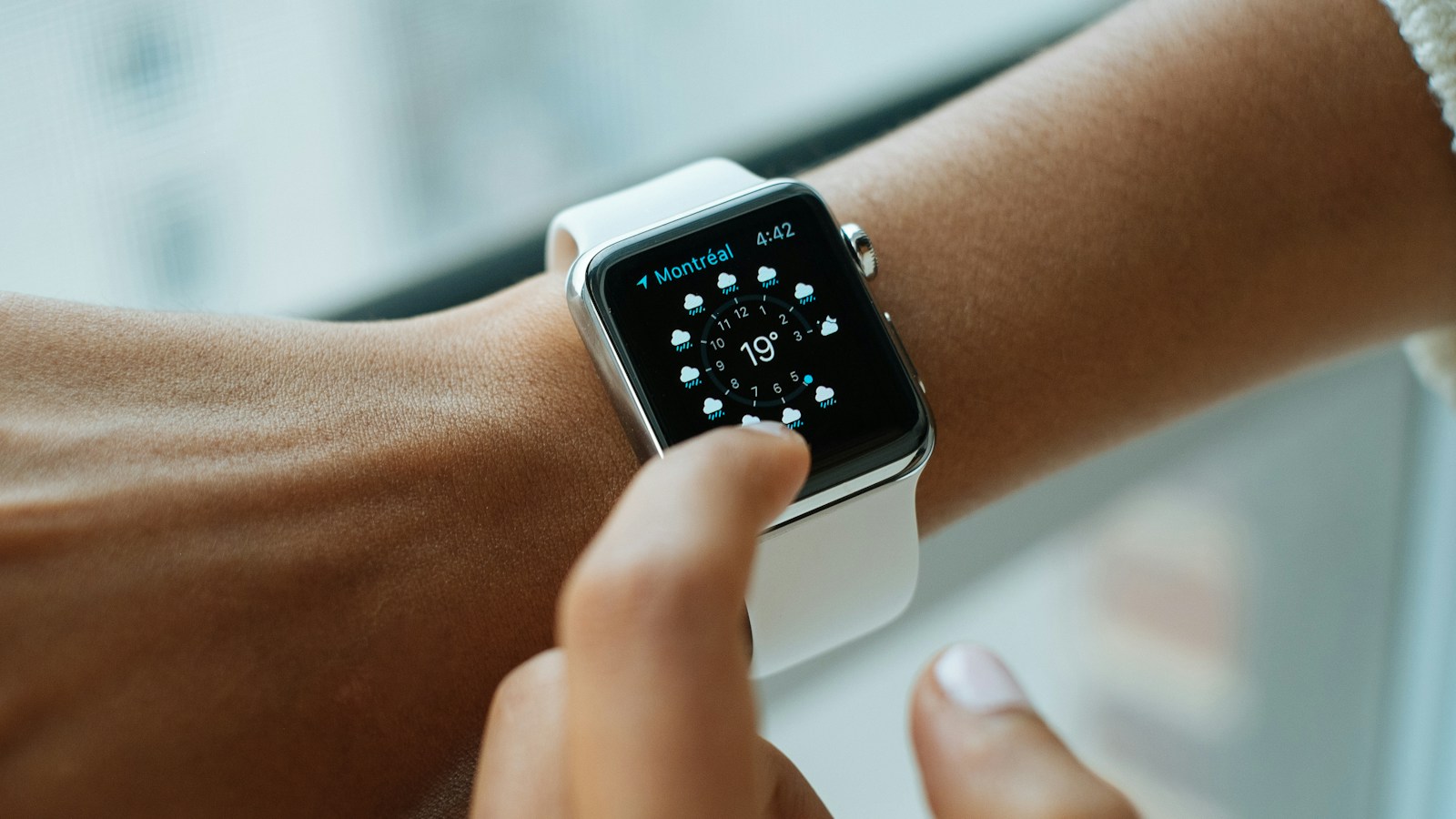
You walk 10,000 steps with a stroller in front of you and your watch says 6,400. Or you spend an hour folding laundry on the sofa and somehow bank 900 steps. Both of those things happen for the same reason, and neither means your watch is broken.
The Apple Watch is one of the most accurate consumer step counters ever tested — in the conditions it was designed for. This is a story about what those conditions are, where they break down, and what to do when your daily number matters to you.
TL;DR: In a validation study where 71 adults walked on a treadmill at four speeds while being filmed, the Apple Watch recorded 2,964 steps against a video-verified 2,965 — a total error of 0.034%. It is genuinely excellent at steady walking with your arms free. The problems are specific and predictable: whenever your arm stops swinging normally — pushing a stroller, a shopping cart, a rolling walker, leaning on a treadmill or bike handlebar — the watch undercounts, and the error can range from about 7% to well over 90% depending on the device and the task. One 2025 study found the Apple Watch Series 8 undercounted by 36.4% with a rolling walker and 16.3% at a slow 1.6 km/h treadmill walk. The reverse also happens: repetitive arm movement while sitting (folding laundry, gaming) can register fake steps. Fixes are practical: put the watch on your free arm, keep it snug, log a workout instead of trusting steps for stroller walks, and pick a different metric when accuracy matters.
YouTube: Related video
How Apple Watch actually counts a step
There is no pedometer inside an Apple Watch. There is a three-axis accelerometer and a gyroscope, and they feed a movement model that has to decide, many times per second, whether what just happened was a step or something else.
The signature it looks for is not really "a foot hit the ground". Your wrist cannot feel your foot. What it feels is your arm swing — the forward-and-back, slightly up-and-down oscillation that happens a few dozen times a minute when you walk, plus a small vertical bounce that travels up through your torso.
Two things make that work well:
- Speed and rhythm. Walking produces a fairly regular, low-magnitude oscillation at roughly 80 to 120 cycles per minute. That pattern is distinctive enough to separate from typing, gesturing or stirring a pan.
- Calibration. Apple Watch uses your iPhone's GPS, distance and pace data to build a personal model of your stride. This is why an outdoor walk or run with your phone in your pocket improves the estimates you get everywhere else — it is the same calibration route Apple recommends if steps or distance ever look wrong.
So when everything is normal, the watch is inferring steps from how you move. That inference is extremely good, and it fails in exactly the situations where your arms stop behaving like arms.
Where it is genuinely excellent
The strongest validation of Apple Watch step counting comes from a study at Pennsylvania State University published in the Journal of General Internal Medicine. Seventy-one adults, aged 18 to 55, with body mass indices from 19.5 to 40.7, walked on a treadmill at four speeds — slow (1.9 mph), moderate (3.0 mph), brisk (4.0 mph) and jogging (5.2 mph) — for six minutes each while two independent observers hand-counted steps from video.
The totals were 2,965 video steps versus 2,964 Apple Watch steps. That is a total error of 0.034%, or about one step in three thousand across the whole protocol. The concordance correlation with the video count was 0.96.
Speed by speed, the errors were small: about −2.6% at the slowest pace, −0.9% at moderate, −1.6% at brisk, and a 3.4% underestimate at jogging pace. Moderate intensity walking was the most accurate condition of all.
An older study in the International Journal of Exercise Science found the Apple Watch among the devices tested to be off by about −7.9% on average across treadmill speeds, with the worst performance at the slowest and fastest speeds — the authors noted the watch behaved well at middle speeds and poorly at the extremes. Different devices, different algorithm generations, different results. The pattern does hold: steady walking at a normal pace, arms free, is where wrist-based step counting is at its best.
Where it goes wrong: the fixed-arm problem
This is the part that matters most in real life, because the days you get the most steps are often the days your hands are full.
Wrist-based step counters depend on arm swing. Take the swing away and you take away the signal. Several laboratory studies have tested this directly, using video-verified step counts and the same protocol: walk normally, then walk with limited arm movement.
The results are consistent and dramatic.
| Condition | What it does to the count |
|---|---|
| Walking, arms swinging normally | Small error, roughly −3% to +8% depending on device and speed |
| Holding a coffee mug or a book | Error grows, roughly −20% to +14% |
| Pushing a shopping cart | Wide range: about −24% to −94% across devices |
| Pushing a stroller (walking pace) | About −7% to −95% across devices |
| Pushing a stroller (jogging pace) | About −12% to −97% across devices |
| Rolling walker (older adults, Apple Watch Series 8) | −36.4% |
| Slow treadmill walk, 1.6 km/h | −16.3% |
The pattern in the data is not random. Researchers describe a clear hierarchy of error: holding an object that is fixed to the floor — a cart, a stroller, a walker, a treadmill rail, a bike handlebar — produces far more error than holding something that moves freely with you, like a cup or a bag. When the object is anchored, your arm locks into a fixed horizontal position and the oscillation the algorithm is looking for almost entirely disappears. One study found the error while pushing a cart or stroller was significantly greater than while holding a book or mug, for every device tested.
That is why the "pushes a stroller every day" parent is the single most likely person to be chronically undercounting their movement. Their body is doing the work. Their arm is not telling the story.
There is a second, subtler version of the same problem: slow walking. At low speeds, vertical acceleration is reduced and the arm swing is smaller, so the watch sees a weaker signal. The 2025 study in PeerJ that examined mobility aids in adults aged 51 to 80 found the Apple Watch underestimated by 16.3% on a treadmill at 1.61 km/h even with no aid at all, on top of the 36.4% error with a rolling walker. If your walks are short, slow, shuffled or done with a stick, the watch is sampling from the weakest end of its signal range.
Where it goes wrong the other way: phantom steps
Undercounting is the more common failure, but overcounting is real and it is more annoying because it rewards nothing.
Wrist-worn devices register steps from arm motion, so repetitive upper-body movement while sitting can be mistaken for walking. In the classic Medicine & Science in Sports & Exercise study of common daily activities, researchers found substantial step counts registered while participants folded laundry. That same study found all the wristband monitors it tested underestimated steps by more than 33% when pushing a stroller — the device failed in both directions in the same afternoon of testing.
Practical version: if your watch counts a suspicious few hundred steps during a session of cooking, crafting, drumming or gaming, that is the algorithm reading your forearm rhythm as gait. It is rare, it is small, and it does not matter unless you are using steps as a training metric.
Which device's number wins: Watch or iPhone?
A detail that confuses a lot of people: the step count in Apple Health is not coming from one device. Apple Watch and iPhone both count steps independently, and the Health app merges them into a single daily total, choosing the source it considers most relevant at each moment rather than simply adding them together.
This has three consequences worth knowing:
- Leaving your phone behind is not fatal. If the watch is on your wrist, your walk still counts. If the watch is charging and the phone is in your pocket, the phone counts. Both are reasonably good in their own domain.
- Pushing a stroller, the phone often wins. An iPhone in your pocket is a hip-based-ish accelerometer reading — it detects the actual vertical bounce of each step, which is exactly the signal the wrist loses when you grip a handle. A watch-only stroller walk is the worst case; a phone-in-pocket version of the same walk is much better.
- The two devices can disagree all day. That is normal, not a sync bug. It is two different sensors with two different vantage points being reconciled after the fact.
If you want to see this for yourself, open the Health app, tap Steps, and scroll to the bottom of the summary. The "Show All Data" view lists every contributing device with its own sub-count. It is a surprisingly clear look at how muddy a single "10,000 steps" can be.
How to get an accurate number anyway
None of the fixes are exotic. They are about making sure the sensor sees what it needs to see.
- Put the watch on the arm that is not holding anything. When you are pushing a stroller, cart, walker or mowing, wear the watch on the opposite wrist from the gripping hand. It is the single highest-yield change and it costs nothing.
- Keep it snug and above the wrist bone. A loose watch slides and produces irregular oscillation that the model has to interpret. Snug means no more than a finger's width of movement.
- Carry the phone with you on stroller-heavy, cart-heavy days. Pocket steps fill in the gap the watch misses.
- Log a workout instead of relying on steps. For anything with fixed arms or an unusual gait, the workout data (duration, heart rate, active energy) is measured directly and does not depend on step inference at all.
- Calibrate properly, once. Walk or run outdoors for at least 20 minutes with your iPhone in a pocket or armband, GPS and motion calibration enabled in Privacy settings. Apple specifically recommends this when steps or distance look off, because it builds your personal stride model.
- Give it a long walk, not a short one. Ten minutes at a decent pace gives the model a lot more to work with than three minutes of wandering around the kitchen.
- Consider a waist-mounted alternative if this is your job. The PeerJ study authors concluded that wrist-worn devices may be unsuitable for older adults using assistive walking aids, and that waist-mounted pedometers were more reliable in that population. If you are a walking coach, a ranger, a physiotherapist or a nurse on your feet all day with a hand on equipment, a clip-on pedometer is not a downgrade.
Do the misses actually matter?
It depends entirely on how you use the number, and this is where most step anxiety goes wrong.
If you are using steps as a directional nudge — did I move more this week than last week — a 20% undercount is uncomfortable but not damaging. The direction is still right, the trend is still right, and the months where you walk 30% more still show up. What you should never do is compare your watch-measured step count with someone else's, or with a published threshold like 7,000 or 10,000 steps, as though both numbers came from the same instrument. They did not. The research on how many steps actually matter uses hip-worn research accelerometers, not your watch, and the two are not interchangeable when you are reading numbers off the edge.
If you are using steps as a training metric, accuracy matters more — and the honest advice is to stop using steps for that. Active energy, workout duration, heart rate zone time and even cadence are better measured and less dependent on arm behaviour. Our breakdown of steps versus active energy goes through which one to trust for which job. And if your goal is intensity rather than volume, how fast you are walking matters more than how many times you do it — that is what walking cadence is for, and the watch is reasonably reliable on that because it is reading the same rhythm it needs for steps, only during a real walk.
The most useful frame is the one Century AI is built around: your watch data is a trend detector, not a precision instrument. A daily health score, recovery score and sleep insight built from the watch you already wear will tell you whether your weeks are moving in the right direction. It will not tell you that you walked precisely 9,847 steps, and no wrist-worn device will.
The bottom line
Apple Watch step counting is excellent — near-perfect in the validation study that filmed 71 people walking a treadmill — and unreliably variable in real life, because real life includes strollers, shopping carts, walkers, handlebars and slow shuffles. The error is not random noise. It is directional and it has a cause: your arm stopped swinging.
So treat steps as a reasonable estimate on ordinary walking days and a soft floor when your hands are full. Put the watch on the free wrist, carry the phone when you are pushing something, log workouts when you want data you can trust, and let the trend — not the daily total — tell you whether you are moving more or less than you used to.
Century AI helps you understand your body with a daily health score, recovery score, and sleep insights — using the watch you already wear.