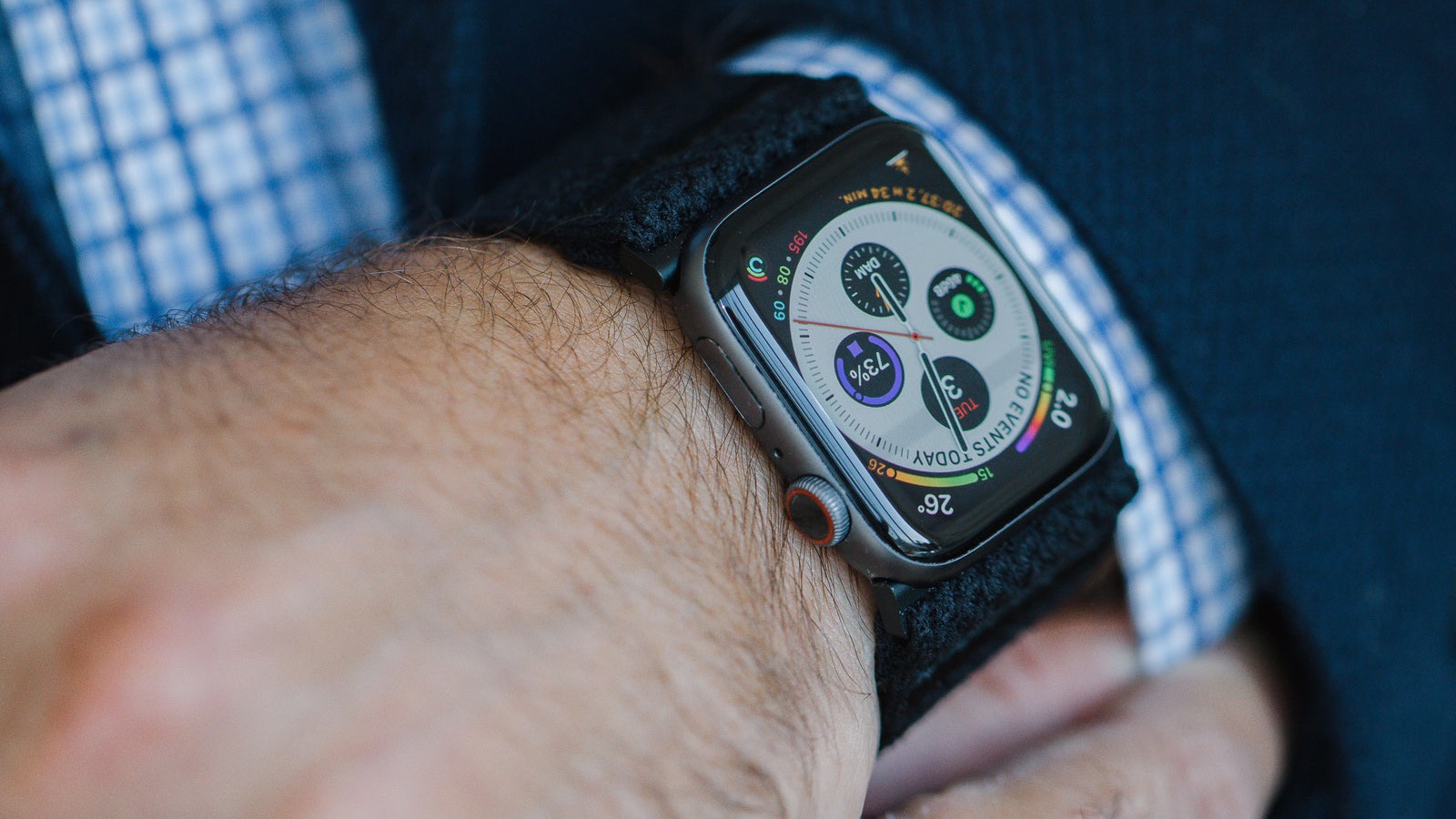
You're twenty minutes into an easy run. Legs loose, breathing through your nose, the kind of pace you could hold for two hours. Your watch says 172 bpm. It said 171 five minutes ago. It said 173 three minutes before that.
You slow down. Nothing changes. You speed up. Nothing changes. The number just sits there, pinned in the same narrow band, no matter what you do.
That's cadence lock. It's one of the most common and least understood reasons people think their Apple Watch heart rate is broken. And once you know the signature, you can spot it in about five seconds.
TL;DR: Cadence lock happens when the optical heart rate sensor picks up the rhythm of your footstrikes and arm swing instead of your pulse. Because running cadence (roughly 160–180 steps per minute) overlaps the range your heart rate would be in during a run, the watch's algorithm "locks" onto your step rate and reports it as your heart rate. The tell is a number that barely moves, sits suspiciously close to your cadence, and doesn't respond when you change pace. Fixes: wear the watch higher and snugger, warm up before judging the reading, and use a chest strap for intervals. A loose strap, cold skin, and a wrist that flexes are the usual culprits.
YouTube: Related video
What cadence lock actually is
Apple Watch measures heart rate optically. Green LEDs shine into your skin, and a photodiode measures how much light comes back. With every heartbeat, the volume of blood in the capillaries under the sensor changes, which changes the amount of light absorbed. Count those changes and you have a pulse.
The signal you're looking for is small. The noise is not.
Running produces a large, rhythmic mechanical signal: each footstrike sends a jolt up through your arm, and each arm swing moves the watch across your skin. At a cadence of 170 steps per minute, that's roughly 170 pulses of mechanical noise per minute, each one disturbing the skin-sensor contact in a regular pattern.
Your heart rate during that same run might be 165. The two periodic signals are close in frequency and, to a light sensor, similar in shape. When the mechanical signal is stronger than the blood flow signal, the algorithm can lock onto the wrong one. The result is a reported heart rate that is really your step rate wearing a disguise.
This is not an Apple-specific flaw. Every wrist-worn optical device is vulnerable to it, and the published validation literature has documented the general pattern for years: accuracy is decent at rest and at moderate intensity, and degrades as movement gets bigger, faster, and more repetitive. In a widely cited 2017 validation across multiple wrist devices, heart rate error grew substantially during higher-intensity exercise, with some devices off by more than 20 bpm during running. A 2018 comparison of wrist optical sensors against a chest strap found the same pattern in both healthy people and cardiac patients: fine at rest, less fine as intensity rose.
Apple's implementation fuses the optical signal with the accelerometer, which helps it reject motion it can identify as motion. It's good, and it still fails sometimes, especially in the exact conditions that produce cadence lock.
How to tell it's cadence lock and not a real high heart rate
This is the part that matters, because "my watch is lying" and "my heart rate is genuinely 172 on an easy run" are very different situations.
The number barely moves. Real heart rate responds to changes in effort within thirty to sixty seconds. Cadence lock doesn't. Run harder for two minutes and watch whether the number climbs. If it stays within two or three beats, that's not physiology.
It matches your cadence. Open the workout summary and compare your average cadence with your average heart rate. If they're within a couple of beats, that's your answer. Bonus tell: your "heart rate" will drop in the exact moments you shorten your stride, like on a steep downhill.
There's no ramp at the start. A real heart rate climbs over the first few minutes. Cadence lock often appears as a sudden jump to a high number within the first minute, then a flat line.
Breathing doesn't match. At a genuine 172 bpm you'd be breathing hard and unable to speak more than a couple of words. If you can chat, the number is wrong. This is the cheapest test available and it requires no equipment.
Check your pulse manually. Two fingers on your neck, count beats for fifteen seconds, multiply by four. Do it mid-run, and do it twice. If the watch says 172 and your neck says 148, you have your answer.
| What you see | Most likely explanation |
|---|---|
| Flat number within 2–3 bpm of cadence | Cadence lock |
| Sudden jump in the first minute, then flat | Cadence lock |
| Number rises with effort, falls when you ease off | Normal |
| Number high while breathing is easy | Cadence lock |
| Number high and breathing is hard | Real, keep going |
| Number high at rest, before you start | Something else — check in with a doctor |
Why it happens to you and not your friend
Several things push the sensor toward the wrong signal.
Strap tightness. This is the big one. A loose watch slides and lets light in around the edges, which swamps the tiny pulsatile signal. Apple's own guidance is that the watch should be snug enough to stay in place but not so tight it restricts blood flow. In practice, most people wear it looser than they think.
Position on the wrist. The sensor needs to sit flat against skin above the wrist bone, roughly two finger widths up the forearm. A 2025 study on anatomical placement found that heart rate accuracy varies meaningfully with where the sensor sits on the arm, and that placement effects grow as exercise intensity rises. Moving the watch a centimetre can change the reading.
Wrist flexion. If you run with your wrist cocked back, the tendons and bones shift under the sensor and the contact quality changes constantly. Relaxing your hands and keeping the wrist neutral helps more than people expect.
Cold skin. In cold weather, blood flow to the skin drops and the optical signal weakens, while the mechanical noise stays the same. This is why cadence lock is much more common on winter runs.
Tattoos, hair, and skin tone. Dense tattoos and thick hair under the sensor reduce light transmission. Apple notes that tattoos can affect readings. It's not a matter of sensor quality; it's physics.
Higher cadence, higher risk. Runners with a quick, light stride at 175–185 steps per minute are more likely to see lock, because their step rate sits right in the middle of the range their heart rate would occupy during hard running.
The fixes, in order of effectiveness
1. Tighten the strap and move it up. Snug, one to two finger widths above the wrist bone, flat against the skin. Do this before every run, not just when the numbers look weird. It solves most cases on its own.
2. Warm up properly. Give the sensor five to ten minutes of gradually increasing effort before you judge anything. Cold, unperfused skin at the start of a run is the most common trigger, and it resolves as you warm up.
3. Use a chest strap for intervals and tempo. If you care about accurate heart rate during hard efforts, a chest strap is the answer. It measures electrical activity rather than blood flow, so step rate is irrelevant. This is the single best upgrade for anyone training by zones. Apple Watch pairs with Bluetooth chest straps directly, and the workout will use the strap's data when connected.
4. Change wrists. Some people get consistently better readings on the non-dominant arm, or on the inner wrist. It costs nothing to test.
5. Loosen your grip and keep the wrist neutral. Especially on the treadmill, where people tend to grip the rails or hold their arms stiffly.
6. Trim the data afterwards. If a run is clearly corrupted, you can delete the workout in the Health app, or simply ignore the heart rate data and use pace and RPE for that session. One bad run doesn't matter. A pattern of bad runs corrupts your trends.
7. Check for a watchOS update. Apple has improved the optical algorithm repeatedly over the years. If you're several versions behind, updating is worth doing before you blame the hardware.
What bad heart rate data costs you
Cadence lock isn't just an annoying number. It propagates.
Your zone minutes get inflated. A run you thought was Zone 2 shows up as mostly Zone 4. Over weeks, you conclude that your easy pace is too fast or that your zones are wrong, and you start adjusting training based on fiction.
Your Cardio Fitness estimate gets skewed. Apple Watch estimates VO2 max from the relationship between your heart rate and your pace during outdoor walks and runs. Feed it a heart rate that's pinned to your cadence and the estimate drifts. If your VO2 max suddenly dropped for no reason, corrupted heart rate data is one of the first things to check.
Your training load looks bigger than it was. Load calculations depend on intensity. An easy run scored as hard adds fatigue you didn't earn, and your watch will start telling you to back off when you don't need to.
Your recovery decisions get worse. If you use heart rate to decide whether to push or back off, bad inputs produce bad calls. This is exactly the kind of thing worth sanity-checking against how you actually feel, which is what a recovery score is meant to help with rather than replace.
The practical takeaway: treat a single weird reading as noise, but treat a pattern as a hardware or fit problem worth fixing.
When a high heart rate is real
Cadence lock has become the go-to explanation for every strange number, and it isn't always right. A genuinely high heart rate during easy running can come from:
- Heat and humidity, which raise heart rate by ten to twenty beats at the same pace
- Dehydration, which reduces blood volume and forces a higher rate
- Caffeine, especially a large dose close to training
- Illness, often a day or two before you feel symptoms
- Poor sleep and alcohol the night before
- Stress and anxiety, which keep sympathetic tone elevated
- Medication, including some decongestants and stimulants
- Altitude, in the first days after arriving
The breathing test separates most of these from cadence lock quickly. If you're at 170 and breathing hard, the number is probably real, whatever the pace suggests. If you're at 170 and can hold a conversation, the sensor is confused.
One more thing worth saying plainly: if your heart rate is high at rest, irregular, or jumping around without exercise, that's not a watch problem to troubleshoot. That's a conversation with a doctor. Apple Watch's irregular rhythm notifications and ECG app exist for exactly that situation, and they're worth reading up on rather than dismissing.
Making your trends trustworthy again
Once you've fixed the fit, give yourself a few weeks of clean data before drawing conclusions. Heart rate trends are slow by nature, and a stretch of corrupted readings creates artificial spikes that take time to average out.
Two habits help. First, check cadence versus heart rate in your workout summaries once a week; it takes ten seconds and catches lock early. Second, look at weekly averages rather than daily values. A single run where the sensor lost the plot is meaningless in a seven-day average and very misleading on its own.
And if you want the deeper version of why optical sensors struggle during running, our guide to Apple Watch heart rate accuracy covers the sensor technology and when a chest strap is genuinely worth it. If your cadence itself is the thing you're curious about, running cadence made simple is the companion piece.
The short version
Cadence lock is your watch measuring your footsteps instead of your pulse. It shows up as a heart rate that sits flat, matches your cadence, and ignores what you're actually doing.
Check it with your breathing and your neck. Fix it with a tighter strap, a higher position, a real warm-up, and a chest strap for hard sessions. Then let the data settle for a few weeks before you change your training based on it.
Your watch is a good tool with one specific blind spot. Knowing where the blind spot is means you can stop arguing with it and get back to running.
Century AI helps you understand your body with a daily health score, recovery score, and sleep insights — using the watch you already wear.