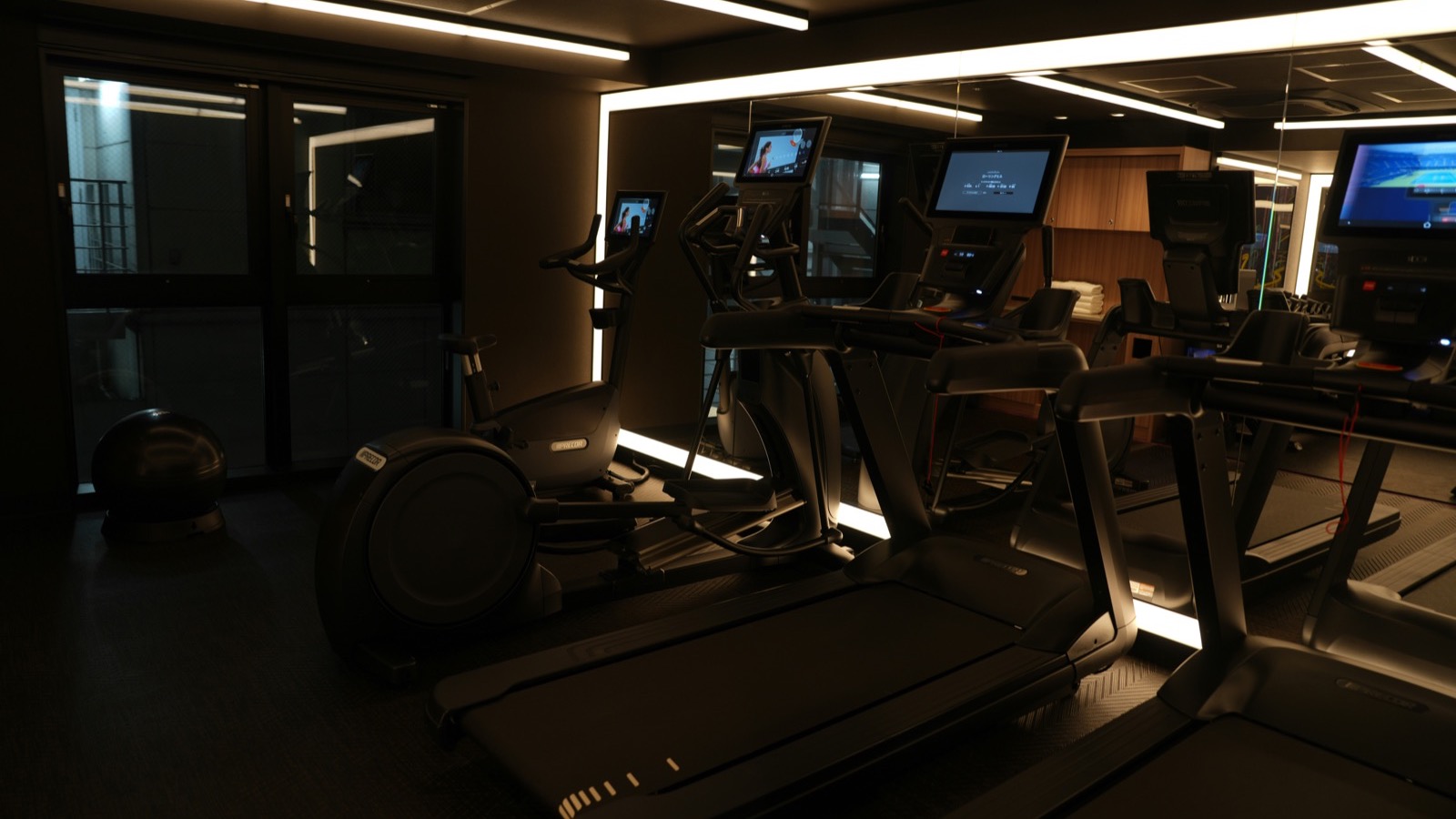
You walk for 45 minutes outside and your watch says 4.3 km, 210 active calories, average pace 10:28 per kilometre. Two days later you walk 45 minutes on a treadmill at what feels like the same effort and it says 3.6 km, 285 active calories, and a pace that doesn't match the treadmill display at all.
Nothing is broken. You've just run into the central fact about wrist-based measurement: the watch is not measuring distance, it's inferring it, and the information it has to infer from changes completely when you go indoors.
This guide covers what actually differs between an indoor and outdoor walk on Apple Watch, why the calorie number often goes up indoors even though the distance goes down, how to calibrate properly so the gap shrinks, and which numbers are worth trusting for training.
TL;DR: Outdoors, Apple Watch uses GPS plus your arm motion. Indoors there's no GPS, so it estimates distance from step count and your learned stride length — which is why indoor distance and pace are approximations, not measurements. Calories can come out higher indoors because the watch has less signal about how fast you're actually moving and leans harder on heart rate. You can narrow the gap by calibrating with 20-minute outdoor walks at each of your usual speeds. Cardio Fitness only updates from outdoor walks, runs, and hikes; indoor workouts never count towards it.
YouTube: Related video
What changes when you walk indoors
An outdoor walk gives the watch two independent sources of information:
- GPS — actual position over time, which produces distance and pace directly.
- The accelerometer and gyroscope — arm swing, step cadence, and impact patterns, which the watch uses to count steps and refine its model of your gait.
Indoors, the first source disappears. What's left is your arm movement, and the watch has to work backwards from cadence to distance using an assumption about how far each of your steps carries you.
That assumption is your stride length, and it's not a single fixed number. It changes with speed, incline, fatigue, footwear, and whether you're holding a handrail. Apple's model learns stride length at different speeds from your outdoor walks, which is precisely why calibration exists. The more outdoor walking it sees, the better its guess about your indoor walking.
Apple's own documentation is explicit that calibration improves "the accuracy of your distance, pace, and calorie measurements" and that it helps the watch "learn your fitness level and stride, which improves accuracy when GPS is limited or unavailable." That last phrase is the whole story: indoors, GPS is unavailable.
Why calories can go up indoors
This is the part that confuses people most. Shorter distance, more calories.
The watch estimates energy expenditure from a combination of heart rate, body metrics, and motion. Outdoors, GPS gives it a strong anchor for how much work you're doing — it knows your speed and the terrain profile. Indoors, that anchor is gone, and the heart rate signal carries proportionally more weight.
So if your heart rate on the treadmill is elevated — because the room is warm, because you're walking faster than your usual outdoor pace, because treadmills force a fixed cadence, or simply because you're a bit stressed — the calorie estimate climbs even though the modelled distance falls.
There's a second effect: the workout type you choose. If you pick "Other" instead of "Indoor Walk," Apple uses a different set of assumptions (roughly equivalent to a brisk walk) that can produce noticeably different numbers for the same session. People regularly report "Other" and "Indoor Walk" giving different calorie totals for the same treadmill effort.
And a third: treadmill walking often is slightly different mechanically. The belt moves under you, so you don't propel yourself forward the same way you do outdoors. Most people take shorter, faster steps on a treadmill, and many unconsciously hold the rails, which reduces arm swing and confuses both step counting and the motion model.
What the research says about the accuracy
Wrist-worn devices have become very good at heart rate and merely okay at energy expenditure, and the gap is bigger for walking than for running.
A 2020 validation study in JMIR mHealth and uHealth tested four popular wearables, including Apple Watch Series 4, during sitting, walking, and running at multiple speeds. Heart rate tracking was generally strong. Energy expenditure estimates were considerably less reliable, with error growing at higher intensities.
An earlier study in the Journal of Personalized Medicine (2017) tested seven devices across a diverse cohort and found the same shape of result: heart rate errors were small for most devices, while energy expenditure errors were large enough that individual calorie numbers should be treated as approximate.
That's not an Apple problem. It's a wrist problem. Estimating metabolic rate from a wrist sensor is genuinely hard, and every consumer device is doing informed guesswork.
The practical conclusion: calorie numbers are useful for comparing your own sessions to each other, not for comparing your session to a published table or to your friend's watch. Distance indoors is an estimate. Heart rate is the most trustworthy thing your watch reports indoors.
How to calibrate, properly
Calibration is the single highest-leverage fix, and Apple's instructions are specific:
- Find a flat, open outdoor area with good GPS reception and clear skies.
- Open the Workout app and start an Outdoor Walk or Outdoor Run.
- Walk or run at your normal pace for about 20 minutes.
- If you walk at different speeds, calibrate for 20 minutes at each of those speeds.
- You can split the 20 minutes across multiple sessions if you don't have a continuous block.
Every time you do this, the watch learns your stride length at that speed and applies it to indoor workouts. After a handful of calibrated outdoor walks, most people find that indoor distance estimates land within a few percent of the treadmill display rather than ten or fifteen.
Two things that quietly break calibration:
- Pushing a stroller or holding a shopping bag during your outdoor walk. The watch sees reduced arm swing and learns the wrong stride pattern.
- Using a treadmill-only routine for weeks. The model doesn't update, and drift accumulates.
Why your cardio fitness never updates indoors
This one catches people out constantly. Apple's Cardio Fitness estimate — the VO2 max number in the Health app — is calculated from outdoor workouts only. Apple's support documentation lists the qualifying activities as Outdoor Walk, Outdoor Run, and Hiking, and explicitly states that "indoor workouts, including ones that require gym equipment, do not count towards your cardio fitness estimate."
So if you spend January through March on a treadmill or a walking pad, your Cardio Fitness number will simply sit there, unchanged, no matter how much fitter you get. It isn't broken and it isn't measuring you badly — it's not measuring you at all.
If you want the number to move, you need outdoor walks or runs with good GPS. Twenty minutes at a brisk pace is enough to register. Our guide to Apple Watch cardio fitness explains what the score means and what a realistic improvement looks like.
The walking-pad problem
Walking pads deserve their own note, because they break several assumptions at once.
- Short stride. The belt is short, so people unconsciously shorten their steps.
- Handrail or desk holding. If you're working at a desk while walking, your arms aren't swinging at all. The watch may count very few steps and estimate almost no distance.
- Low speed. At 3–4 km/h the arm motion is subtle, and the model is being asked to infer distance from a weak signal.
The result is usually a big underestimate of distance and a heart rate reading that's lower than you'd expect, because walking at 4 km/h while typing is genuinely low-intensity. If you want the session to register properly, walk without holding on, at a pace that gets your arms moving, and treat the distance number as decoration. Our guide to walking pad Zone 2 goes deeper on making indoor walking count as training.
Which number to trust, and when
Here's a working hierarchy for indoor sessions:
| Metric | Trust indoors? | Why |
|---|---|---|
| Heart rate | High | Measured directly by the optical sensor; treadmill walking is steady enough for good signal |
| Active calories | Medium-low | Inferred from HR and motion; useful for trend, not for absolutes |
| Distance | Medium | Estimated from steps × learned stride; drifts with speed and handrails |
| Pace | Low | Derived from estimated distance; compare to the treadmill display, not to your outdoor pace |
| Cardio Fitness | Not at all | Doesn't update from indoor workouts |
| Steps | Medium-high | Cadence detection is generally good if your arms are swinging |
For training purposes, the useful move indoors is to anchor on heart rate and effort rather than pace. If you're doing Zone 2 walking, the question isn't "did I cover 4 km" but "did I stay in the right heart rate band for 45 minutes." You can do that entirely on a treadmill with no GPS at all. Our Zone 2 guide covers how to set the band.
Five fixes that actually help
1. Use "Indoor Walk," not "Other." The workout type changes the assumptions the watch makes. Indoor Walk is the honest label.
2. Set the treadmill incline to 1%. A small incline compensates roughly for the lack of air resistance and makes the effort closer to outdoor walking. It also tends to produce a heart rate response that better matches what you'd see outside.
3. Don't hold the rails. If you need to, slow down instead. Rails kill the arm-swing signal that both step counting and the motion model depend on.
4. Walk at a consistent speed for most of the session. The model handles steady state better than constant changes. If you're doing intervals, expect the distance estimate to be worse.
5. Calibrate once a season. Two or three 20-minute outdoor walks at your usual speeds in spring and autumn keeps the stride model current. It takes an hour a year and it's the difference between a rough guess and a usable estimate.
Reconciling the numbers when they disagree
If your indoor and outdoor numbers are wildly different, work through this in order:
- Check the workout type. Indoor Walk, Outdoor Walk, and Other produce different results by design.
- Check whether you've calibrated recently with outdoor walks at that speed.
- Check your arm movement. Pockets, rails, strollers, and phones in hand all degrade the signal.
- Check the treadmill's own calibration. Some treadmills are 5–10% off themselves, so "the treadmill says 5.0 km" isn't ground truth.
- Compare trends, not sessions. Two indoor walks a week apart should be comparable to each other. Comparing an indoor walk to an outdoor walk is comparing two different measurement systems.
And one expectation reset: a 10–15% difference between indoor and outdoor distance estimates is normal and not worth chasing. If you're seeing 30%+, something in your setup is off.
What actually matters for your health
The good news is that none of this affects whether walking is good for you. The distance estimate being 8% low doesn't change the fact that you walked for 45 minutes, and the calorie number being 15% off doesn't change your physiology.
What matters is that you keep walking, that most of it is at an intensity where you can hold a conversation, and that you do enough of it. Whether the watch calls it 3.6 km or 4.3 km is a bookkeeping detail.
Where the data becomes genuinely useful is in the trend: is your resting heart rate drifting down over months, is your walking heart rate average falling at the same pace, are you recovering between sessions. Those signals are robust to the indoor/outdoor measurement difference because they're heart-based rather than distance-based.
Century AI uses the heart rate, sleep, and activity data your watch already collects to build a daily picture of how your body is doing — recovery, strain, and sleep in one score. It doesn't care whether the walk was on a treadmill or a towpath, which is exactly the right level of concern.
Walk outside when you can. Walk inside when you can't. The measurement is the least interesting part.
Century AI helps you understand your body with a daily health score, recovery score, and sleep insights — using the watch you already wear.