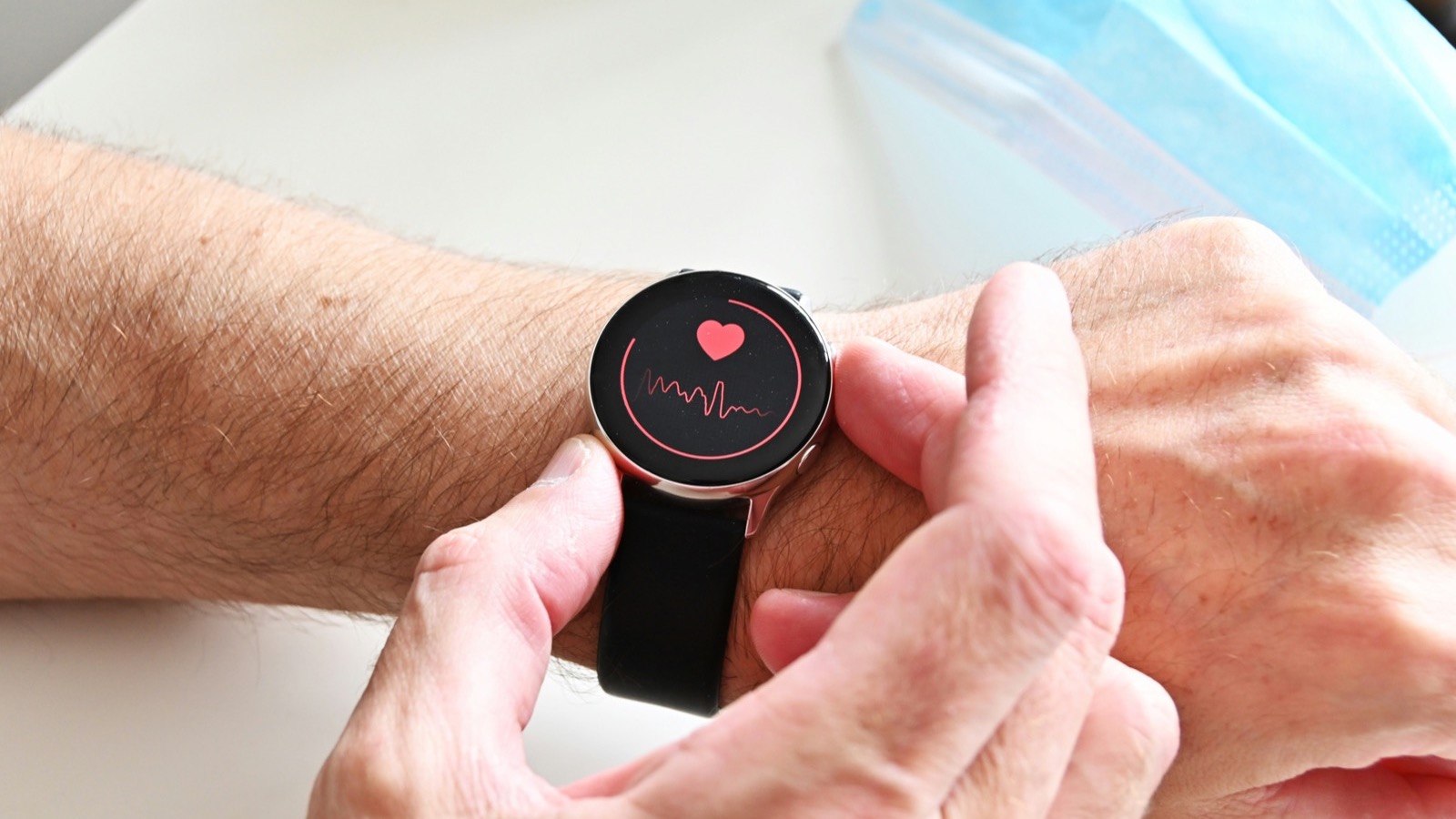
Most Apple Watch heart features are easy to understand. High heart rate notifications tell you your pulse is unusually fast. The ECG app takes a 30-second single-lead reading that looks like a rhythm strip. Those are one-off moments.
AFib History is different, and that is exactly why it confuses people. It does not alert you to a specific event. It quietly watches your rhythm over months and gives you one number a week: the estimated percentage of time your heart showed signs of atrial fibrillation. That number is called AFib burden, and if you have been diagnosed with AFib, it is arguably the most useful thing your watch measures.
This is how the feature works, what the burden percentage means clinically, and what the research actually says about AFib detected this way.
TL;DR: AFib History is an Apple Watch feature for people with a physician diagnosis of atrial fibrillation. Instead of continuous monitoring, it checks your rhythm intermittently and produces a weekly estimate — delivered every Monday — of the percentage of time your heart showed signs of AFib (your "AFib burden"). Setup requires a physician diagnosis, Heart Rate and Wrist Detection enabled, and you need to wear the watch at least 12 hours a day on 5 days a week to get consistent estimates. It is not intended for people under 22. You can log life factors (exercise minutes, sleep, weight, alcohol, mindful minutes) to see what moves your burden. The Apple Heart Study (NEJM, 2019) showed that smartwatch-based rhythm detection can identify AFib in a large population, but AFib History is an estimate from intermittent checks, not a continuous recording — and the burden number is not a reason to change medication on your own. Decisions about anticoagulation belong with your cardiologist.
YouTube: Related video
Three Apple Watch heart features that are easy to confuse
Before going further, it is worth separating the features, because they get mixed up constantly.
- High and low heart rate notifications watch for a pulse above or below a threshold while you are otherwise inactive. They are about rate, not rhythm. I covered what to do with those in my guide to Apple Watch heart rate notifications.
- The ECG app records a 30-second rhythm strip when you deliberately hold your finger on the crown. It can indicate sinus rhythm, AFib, or an inconclusive result, and it gives you a snapshot you can hand to a clinician.
- AFib History works passively over long periods and reports burden. It is the only one of the three designed for ongoing management of diagnosed AFib rather than one-off detection.
If you want more detail on the ECG side specifically, the Apple Watch ECG explainer covers what the trace shows and what it cannot.
What "AFib burden" means
AFib burden is the proportion of time your heart spends in atrial fibrillation over a given period. It is the standard way cardiologists describe how active a person's AFib is, because AFib is rarely constant. The pattern varies enormously between people:
- Paroxysmal AFib comes and goes, sometimes in episodes lasting minutes, sometimes hours.
- Persistent AFib continues until it is treated or converted.
- Permanent AFib is accepted as ongoing.
Burden is useful because it captures severity better than a yes/no label. Two people can both have paroxysmal AFib while one spends 1% of the week in it and the other spends 30%. The implication for symptoms, for how well medication is working, and for overall risk is very different. It is also why AFib burden is such a reasonable thing to measure with a device you already wear every day — a weekly estimate of time-in-AFib is far more informative than a single ECG on a good day.
One nuance worth holding onto: AFib burden as a concept is well established, but measuring it continuously requires an implanted or long-term monitor. Every consumer device, including Apple Watch, is estimating that burden from intermittent sampling. It is a good estimate, not a recording.
How Apple Watch produces the estimate
Apple documents the mechanics clearly, and the requirements are stricter than most people expect.
To use AFib History you need:
- A physician diagnosis of AFib. The feature is not a screening tool and Apple blocks setup without confirming the diagnosis. This is deliberate — the FDA clearance covers monitoring in diagnosed patients, not detection in the general population.
- Heart Rate and Wrist Detection enabled, so the watch can actually collect the underlying data.
- The watch worn at least 12 hours a day, 5 days a week, to receive consistent estimates.
- You must not be under 22. The feature is not intended for that group.
Once it is running, the watch periodically checks your rhythm in the background. After enough readings accumulate, you get a weekly notification every Monday giving the estimated percentage of the previous week your heart showed signs of AFib. The Health app holds the longer history, and you can review it by week and month.
Alongside the percentage, AFib History lets you log life factors: exercise minutes, sleep, weight, alcohol consumption and mindful minutes. If you wear the watch for workouts and sleep, the first, second and fifth log automatically. The point of the logging is correlation — seeing whether a run of higher burden tracks with heavy drinking, poor sleep, weight gain or a stressful stretch.
What the research says about watch-detected AFib
There is a real evidence base here, and it is worth knowing what it does and does not show.
The Apple Heart Study (Perez et al., New England Journal of Medicine, 2019) enrolled roughly 400,000 participants across the United States and used the Apple Watch's irregular rhythm notification to flag possible AFib. Among participants who received an irregular pulse notification and returned the ECG patch used for confirmation, AFib was confirmed in a meaningful proportion — the positive predictive value of the notification was 0.84 in that group. The study was a landmark for two reasons: it showed that consumer wearable algorithms can identify AFib at population scale, and it demonstrated how many people receive a notification and then fail to follow up with a clinician.
Two other things are worth knowing, because they frame how to interpret your own numbers.
First, the detection itself is not the hard problem anymore. What to do when you find AFib is. The 2023 ACC/AHA/ACCP/HRS guideline for AFib management folds device-detected rhythm data into clinical decision-making but keeps the treatment decision with the clinician, weighing stroke risk scores, bleeding risk and patient preference.
Second, the trials on treating device-detected AFib gave mixed answers. In ARTESiA, people with device-detected subclinical AF were randomised to apixaban or aspirin: apixaban meaningfully reduced stroke and systemic embolism (approximately 0.78% versus 1.24% per patient-year) while increasing major bleeding (approximately 1.71% versus 0.94%). In NOAH-AFNET 6, which tested edoxaban in people with atrial high-rate episodes, there was no clear reduction in cardiovascular death, stroke or systemic embolism and the trial was stopped early for safety concerns, with more bleeding and a signal of harm in the anticoagulation arm.
Read together, the message is that the risk attached to short, device-detected rhythm episodes is lower than the risk attached to clinical AFib, and that anticoagulation for these findings is a genuine trade-off rather than an obvious win. That is precisely why your watch's number should inform a conversation, never replace one.
How the estimate can mislead you
The burden percentage is useful but it is not magic. These are the limits that matter in practice.
It samples, it does not record. AFib can be paroxysmal, and it can happen in the hours your watch is off your wrist or when the sensor loses contact. A low weekly number is not proof that your rhythm was clean the whole week.
Wear time requirements are real. Apple's 5-days-a-week, 12-hours-a-day minimum exists because the estimate collapses without data. Sleeping without your watch strips out the entire overnight window, which is when many people's episodes show up.
Not every irregularity is AFib. Other arrhythmias — frequent premature beats in particular — can look like irregular rhythm to a photoplethysmography sensor and to the ECG app. That is why the ECG app can return an "inconclusive" result and why confirmation traditionally relies on a multi-lead recording.
Skin, movement and fit degrade the signal. Tattoos over the sensor, cold hands, a loose strap, poor perfusion or heavy motion all reduce data quality. If the notification or burden history does not line up with how you feel, check the fit before you panic.
Your watch cannot see symptoms. Lightheadedness, breathlessness, palpitations and fatigue are the things you experience; the percentage cannot tell whether a given episode was symptomatic.
The number is an estimate, not a diagnostic test. Apple labels it as an estimate and so should you. Nothing about a weekly percentage changes your underlying diagnosis.
What to actually do with your AFib History
The feature pays off when you use it as a longitudinal record rather than a weekly grade:
- Let the pattern build for at least a few weeks before drawing conclusions. Weekly variation is normal.
- Log the life factors honestly. Alcohol and sleep are the two variables that most consistently move burden for people who track this. If your burden climbs in weeks with poor sleep and a few drinks, that is genuinely actionable information.
- Bring the history to appointments. Trend data changes the conversation from "I sometimes feel fluttery" to "my burden went from 2% to 8% over six weeks". The Health app lets you share your Apple Health data with your doctor, and exporting the AFib History section is the highest-value thing you can hand over.
- Never adjust medication on the basis of the score. Anticoagulation and rate-control decisions involve stroke risk scores, bleeding risk, kidney function and a conversation — not a Monday notification.
- Escalate on change, not on absolutes. A single high week in an otherwise stable history usually deserves a note, not alarm. A sustained rise, new symptoms, or a sudden drop in exercise tolerance deserve a call.
Where recovery tracking fits in
AFib sits right on top of the same physiology the rest of your wearable data reflects. Autonomic balance, resting heart rate, sleep quality and how hard you train all interact with your heart rhythm, and people with AFib often find that their recovery metrics move in ways that precede a bad stretch.
That is the honest role for a recovery app here: not detection, not diagnosis, but context. Century AI pulls resting heart rate, HRV, sleep and respiratory rate from the watch you already wear and turns them into a daily health score and recovery trend, so you can see whether a rough week was a training load problem, a sleep problem, or something worth raising with your doctor.
If you want to see how another common post-exercise heart pattern looks in this data, my guide to swimming and Apple Watch heart rate is a good example of when a surprising number is normal and when it is worth asking about.
Bottom line
AFib History is the most clinically mature thing a consumer smartwatch does. It requires a real diagnosis, it produces a real estimate (AFib burden) that cardiologists actually use, and it gives you months of trend data in an app you already have.
Treat the weekly percentage as a trend to bring to your doctor, not as a verdict to act on. Wear the watch consistently, log alcohol and sleep honestly, watch the multi-week direction rather than the single Monday, and let the decisions that matter stay where they belong — with the person who can put the number next to everything else they know about your heart.
Century AI helps you understand your body with a daily health score, recovery score, and sleep insights — using the watch you already wear.