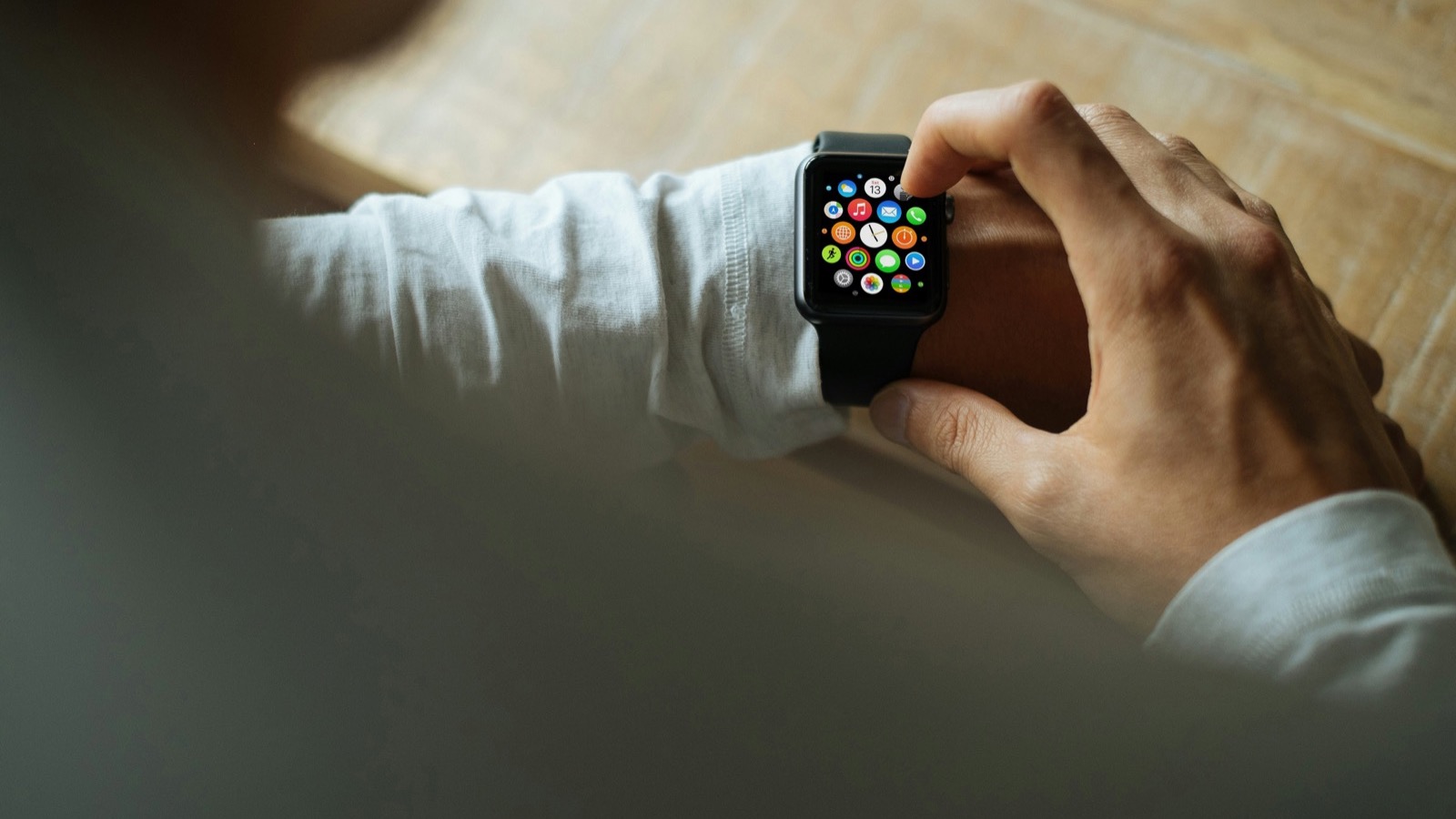
There's a moment almost every Apple Watch owner hits: you're having a horrible week, and you wonder whether the watch on your wrist can see it. Somewhere between a brutal deadline, a bad night of sleep, and one coffee too many, you want a number that says "yes, you are stressed, slow down."
The honest answer is: Apple Watch can't give you a single "stress score" the way Garmin or Oura do. Apple doesn't have a stress app, and it probably never will, because stress is a fuzzy concept and Apple prefers to show you raw signals and let you (and your apps) do the interpreting.
But here's the part people miss: everything a stress score is made of is already on your wrist. Stress changes your heart rate variability, your resting heart rate, your wrist temperature, and your sleep. Apple Watch measures all of those continuously. The data is there. You just need to know where to look and how to read it.
TL;DR: Apple Watch has no built-in stress score, but it tracks every physiological signal that stress alters: heart rate variability (HRV), resting heart rate, wrist temperature, respiratory rate, and sleep. The Vitals app (watchOS 11 and later) compares your overnight metrics to your personal typical ranges and alerts you when two or more drift outside them, which is often the first sign of a stressful period. For a live reading, a Mindfulness breathing session records an HRV measurement on demand, and HRV is the single most useful stress signal because it drops when your nervous system is under load. If you want a number that says "stressed" or "recovered," third-party apps like Athlytic, Training Today, or Welltory translate Apple's raw data into a daily stress or readiness score. The catch: never judge stress from a single reading. Trends over weeks, and context, are what make the data honest.
YouTube: Related video
Why Apple doesn't have a stress score
Garmin gives you a daily "Stress" number. Oura has "Readiness." Whoop has "Recovery." These companies decided that a single score is the most useful thing they can hand you in the morning.
Apple chose a different philosophy. Instead of computing one judgment call, the Apple Watch quietly records the underlying metrics and hands you the ingredients. The closest thing to a stress feature is the Vitals app, introduced with watchOS 11, which tracks five overnight signals: heart rate, respiratory rate, wrist temperature, blood oxygen, and sleep duration. Apple's approach is to establish a typical range for each metric based on your own history, then tell you when something is out of range.
That has real advantages and one big disadvantage. The advantage: you're compared to yourself, not to a population average, and Apple is cautious about declaring what any single number "means." The disadvantage: if you open your watch expecting a stress score, you'll find nothing labeled stress, and you might conclude the watch can't help. It can. The signals are all there, and once you know what stress does to each one, the absence of a score stops mattering.
The physiology: what stress does to the numbers
Stress is not an emotion that appears out of nowhere. When you're under stress, your sympathetic nervous system ("fight or flight") turns up and your parasympathetic system ("rest and digest") turns down. That shift is measurable, and it shows up in the same metrics your watch records all night:
- HRV goes down. Heart rate variability is the variation in time between consecutive heartbeats. It sounds backwards, but a higher HRV means a more relaxed, adaptable nervous system, and a lower HRV means your body is under load. When researchers study stress, HRV is one of their favorite objective markers, and the review literature (like Shaffer and Ginsberg's 2017 overview in Frontiers in Public Health) consistently describes low HRV as reflecting reduced autonomic flexibility under stress.
- Resting heart rate goes up. Stress keeps a foot on the sympathetic accelerator. Over days of sustained stress, your resting heart rate drifts a few beats higher than your personal norm.
- Wrist temperature can shift. This one is more variable, but stress and inflammation can nudge your overnight temperature outside its usual band.
- Sleep fragments. Stress is notorious for lighter, more broken sleep, which then makes you more stressed. It's a loop.
Here's what makes the combination powerful: any single metric can be noisy, but when several drift in the same direction at once, the signal is much harder to dismiss. That's exactly the logic Apple built into Vitals.
How to check stress signals on your Apple Watch, step by step
1. Review your Vitals app every morning (the overnight picture)
If you wear your watch to sleep, this is the single best stress check Apple offers. On your watch, open the Vitals app, or on iPhone go to the Health app, tap your picture, then Vitals. You'll see last night's heart rate, respiratory rate, wrist temperature, and sleep duration compared against your personal typical ranges.
The behavior to watch for: when two or more metrics are outside their typical ranges, Apple sends a notification with context about possible causes, which can include stress alongside things like illness, alcohol, altitude, or a hard training day. A single out-of-range metric is usually noise. Two or more moving together is a genuine signal that your body is under load, and "load" very often means a stressful period.
2. Take an on-demand HRV reading with a Mindfulness session (the live picture)
Overnight metrics tell you how your body handled the night. But stress also happens at 2pm on a Tuesday, and you can measure that too. Apple Watch records heart rate variability using its optical heart sensor, and one of the most reliable moments it takes a reading is during a breathing session in the Mindfulness app (called Breathe in older watchOS versions).
Open the Mindfulness app, choose Breathe, and do a one-to-three-minute session. When you're done, your watch has an HRV sample tied to right now. Check it in the Health app on iPhone: browse to Heart, then Heart Rate Variability, and you'll see the sample from your session. If you're in the middle of a stressful stretch, that sample will typically sit below your recent average. Do the same breathing session on a calm morning and compare. Over time you'll learn what "your number under stress" looks like versus "your number at baseline."
3. Watch the trends, not the single readings (the honest picture)
Stress does not live in one HRV reading. It lives in the trend. Someone with great fitness can have an HRV of 40 that's totally normal for them, while another person's 40 is a red flag. That's why comparing yourself to a stranger's "normal HRV range" is useless, and why Apple compares you to your own history instead.
The way to use this: look at your 7-day and 30-day HRV averages in the Health app. A downward drift over a week, especially combined with a resting heart rate creeping up and sleep quality dropping, is the classic stress signature. One low morning means nothing. A week of lows means your nervous system is telling you something. We wrote a full guide on setting an HRV baseline and avoiding overreactions to single readings, and it's worth a read before you start judging your numbers.
4. Log your state of mind for context (the subjective picture)
Since watchOS 10, the Mindfulness app includes State of Mind: you can log how you're feeling on a pleasant-to-unpleasant scale and attach emotions and contributing factors. It's the one stress feature Apple labels as stress, and it adds what the sensors can't see. HRV tells you your body is under load, but it can't tell you why. Logging "work deadline, anxious" on the days your numbers drop gives you the context to connect the dots later. The Health app will even show correlations between your logged moods and your other metrics over time.
5. Use a third-party app if you want the actual score (the numbers picture)
If you genuinely want a "stress: 42" number on your wrist, apps will give it to you. Athlytic, Training Today, Welltory, and others read the same Health data (HRV, resting heart rate, sleep) that Apple collects and run their own scoring models. Some offer watch complications that show a live stress or recovery level.
They can be genuinely useful, with one honest caveat: a score is a model, and models are only as good as their inputs and assumptions. Two different stress apps can give you different verdicts from the same data, because they weight things differently. Use them as a lens, not as an oracle, and let the app that matches how you actually feel win. If an app keeps screaming "stressed" while you feel great, check the input data (was your watch tight? did it get a reading at all?) before trusting the verdict.
Reading your results: a cheat sheet
| Signal | Stress usually makes it | Where to see it on Apple Watch/Health | How much to trust it |
|---|---|---|---|
| HRV | Drop below your personal average | Health > Heart > HRV; Breathe/Mindfulness sessions | High, especially as a trend |
| Resting heart rate | Creep up a few bpm over days | Health > Heart > Resting Heart Rate; Vitals overnight | Moderate; also rises with training load and heat |
| Wrist temperature | Shift outside your typical range | Vitals app | Moderate; also affected by illness and cycles |
| Sleep | More wake-ups, less deep sleep | Sleep app and Health sleep stages | High; stress and sleep are a two-way street |
| Respiratory rate | Often slightly elevated | Vitals app | Moderate |
| State of Mind logs | Your own mood ratings | Mindfulness app | The context that makes everything else interpretable |
The rules for not going crazy with stress data
Stress tracking has a failure mode: it turns into stress about stress. People check their HRV every hour, panic at a low reading, and make everything worse. Here are the rules that keep the data helpful:
- Never react to a single reading. HRV naturally swings from reading to reading, and measurement conditions matter (same time of day, sitting still, not right after coffee). Only trends over days count.
- Always check the context. Low HRV plus a hard workout yesterday, a glass of wine, or four hours of sleep is not mysterious stress. It's cause and effect. Check the Vitals app morning summary before you interpret anything.
- Compare like with like. Your morning HRV and your overnight HRV measure different things. Don't mix them. Pick one consistent measurement and track that.
- Use it to act, not to spiral. If your numbers are trending down for a week, the correct response is boring and effective: easier workouts, earlier nights, fewer stimulants, a walk outside. If they're down for a month, that's worth taking seriously as a sign to change something bigger.
What stress data is (and isn't) good for
The honest limits: this data will not diagnose anything. It can't tell you if your stress is work, family, or overtraining. It can't tell you if a low HRV means you're getting sick or just tired. And it's not medical advice; a persistently unusual pattern is a reason to talk to a doctor, not to self-diagnose.
What it is good for is what wearables do best: making the invisible visible. Stress feels mental until you see it as a number on your wrist. Once you've seen your HRV drop during a bad week and recover on vacation, you start to understand your own stress in a way that no productivity app can teach you. And when you can see it early, you can act early: the research on stress and recovery consistently shows that the people who manage stress best are the ones who notice it soonest.
That's the real payoff of an Apple Watch for stress. Not a score that judges you, but early warning. Your watch can't fix your stressful life, but it can tell you the exact week your body started struggling to keep up, which is usually weeks before you'd admit it to yourself. Century AI builds on the same overnight data: a daily health score and recovery score that combine your HRV, resting heart rate, and sleep into one signal, so a stressful week shows up as a trend you can actually see, not a vague feeling you can't name.
Summary
- Apple Watch has no stress score, but it records every metric stress changes: HRV, resting heart rate, wrist temperature, respiratory rate, and sleep.
- The Vitals app is your morning stress check: two or more metrics outside your typical ranges is the signal to pay attention to.
- A Mindfulness breathing session gives you an on-demand HRV reading, useful for checking how you're doing mid-day.
- HRV is the most useful signal: it drops when your nervous system is under load, and trends matter far more than single readings.
- Third-party apps (Athlytic, Training Today, Welltory) can turn the data into a stress score if that's what you want, but treat scores as lenses, not oracles.
- The point is early warning, not self-diagnosis. Watch the trend, add context, and use a bad week of data as permission to rest, not as a reason to obsess.
Stress is one of the most common reasons people start tracking their health in the first place. The Apple Watch won't tell you "you're stressed," but it will quietly show you everything your body is doing about it. Learn to read those signals, and you'll know more about your own stress than most people ever do.
Century AI helps you understand your body with a daily health score, recovery score, and sleep insights — using the watch you already wear.