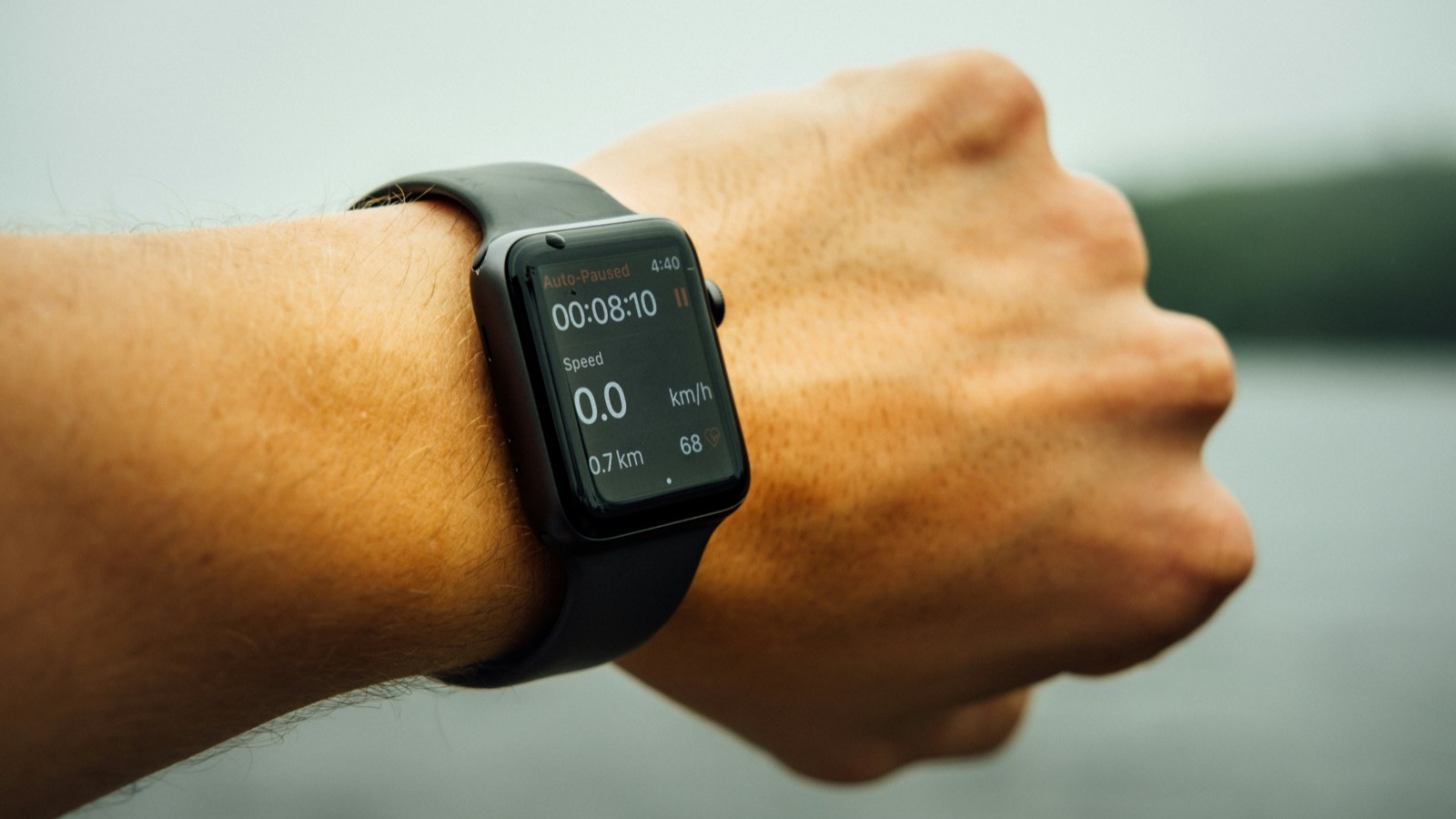
Most people start a run or a bike ride and just… go. Whatever pace feels right. And that's fine if you're moving for the joy of it. But if you want to actually get fitter — without constantly feeling wiped out — there's a better way. It's called heart rate zone training, and your Apple Watch already has the tools built in.
Heart rate zones take the guesswork out of training intensity. Instead of wondering whether you're working hard enough (or too hard), you just glance at your wrist and see exactly which zone you're in. Used well, this simple feedback loop can help you build aerobic fitness faster, recover better, and stop the cycle of going too hard on easy days and too easy on hard days.
YouTube: Related video
What are heart rate zones, exactly?
Heart rate zones are ranges — usually five of them — that represent different levels of exercise intensity, calculated as a percentage of your maximum heart rate. Each zone trains a different energy system in your body, and each has a specific purpose in a well-rounded training plan.
Here's how Apple Watch divides them:
| Zone | % of Max HR | How It Feels | What It Trains |
|---|---|---|---|
| Zone 1 | 50–60% | Barely breathing harder than at rest. You can sing. | Recovery, warm-up, cool-down |
| Zone 2 | 60–70% | Breathing is elevated but comfortable. You can hold a conversation. | Aerobic base, fat metabolism, mitochondrial efficiency |
| Zone 3 | 70–80% | Breathing is deeper. Speaking in full sentences takes effort. | Tempo / threshold training, lactate clearance |
| Zone 4 | 80–90% | Breathing hard. You can manage a few words at a time. | VO₂ max development, lactate threshold |
| Zone 5 | 90–100% | All-out effort. Talking is impossible. | Anaerobic capacity, peak power |
The magic of zone training isn't about spending all your time in the high zones. In fact, the opposite. Most of your training — roughly 80% — should be in Zones 1 and 2. Only about 20% should be in Zones 4 and 5. This is called polarized training, and it's backed by decades of endurance research.
How Apple Watch calculates your zones
By default, Apple Watch estimates your maximum heart rate using the classic formula: 220 minus your age. So if you're 35, it assumes your max HR is 185 beats per minute. Then it divides that into the five zones above.
This formula works fine as a starting point, but it's not particularly accurate for individuals. Your actual max heart rate is genetic and doesn't drop exactly one beat per year. A fit 45-year-old might have a max HR of 185, while a sedentary 30-year-old might max out at 170.
To get the most out of zone training, you'll want to adjust this number.
How to set your max heart rate manually
- Open the Watch app on your iPhone
- Tap Workout
- Tap Heart Rate Zones
- Tap Manual, then adjust Zone 5's upper limit to your true max HR
- The other zones will recalculate automatically
Finding your true max heart rate
The most accurate method is a lab test, but you can estimate it with a field test. Try this:
- Warm up for 15 minutes with easy running or cycling
- Find a moderate hill that takes about 2 minutes to climb
- Run or ride up it as hard as you can, aiming to hit your peak effort near the top
- Jog back down and repeat two more times
- Your highest recorded heart rate (usually on the third effort) is a good estimate of your max
Your Apple Watch records this automatically during any workout. Check the Health app afterward to see your peak.
How to view heart rate zones during a workout
This is the part most people miss. During a supported workout on your Apple Watch:
- Start a workout — Running, Cycling, HIIT, Rowing, and most cardio options support zones
- Turn the Digital Crown (or swipe up on the screen) to scroll through your metric views
- One of the screens shows the five zones with your current zone highlighted
- You'll see how much time you've spent in each zone during the session
The zones screen also shows your current heart rate and which zone you're in right now, highlighted in color. It updates in real time — no need to tap anything.
What a well-structured training week looks like
Here's a sample week that uses zone training intelligently:
- Monday: 45-minute Zone 2 run (easy, conversational pace)
- Tuesday: Rest or 30-minute walk (Zone 1)
- Wednesday: Interval session — e.g., Norwegian 4×4 at Zone 4–5
- Thursday: 45-minute Zone 2 bike ride or easy jog
- Friday: Rest or light activity
- Saturday: Longer Zone 2 effort — 60–90 minutes
- Sunday: Rest or recreational activity (hike, swim, sports)
Notice that four of the seven days are easy. That's not laziness — it's how aerobic adaptation works. The easy days build your engine. The hard days raise your ceiling. If every day is medium-hard (Zone 3), you're stuck in the gray zone where you accumulate fatigue without meaningful adaptation.
Common mistakes people make with zone training
Going too hard on easy days. This is the most common error. Zone 2 should feel almost too easy — you should be able to breathe through your nose or hold a conversation. If you're constantly creeping into Zone 3 on your "easy" runs, you're sabotaging your recovery and blunting the training effect of your hard days.
Not going hard enough on hard days. If your interval sessions genuinely feel comfortable, you're not in Zone 4 or 5. Hard means hard. You should be counting down the seconds until the interval ends.
Trusting the default max HR formula blindly. If your watch says your max HR is 185 but you've seen 198 on a hard hill sprint, use 198. The zones will be far more accurate.
Ignoring external factors. Heat, humidity, caffeine, stress, and poor sleep all elevate your heart rate at a given effort level. On a hot day, you might be in Zone 3 at your normal Zone 2 pace. That doesn't mean you're out of shape — it means your body is working harder to cool itself. Adjust your pace, not your expectations.
What to watch in your Apple Health data
Over time, a few trends tell you zone training is working:
- Your resting heart rate trends downward
- At the same pace, your heart rate is lower than it used to be
- Your heart rate drops faster after intervals (better heart rate recovery)
- You spend less time in high zones during easy runs at your usual pace
These are all signs that your cardiovascular system is becoming more efficient. Your Apple Watch tracks all of them — check the Health app under Heart > Resting Heart Rate and Cardio Fitness.
Start today with one change
You don't need to overhaul your entire training plan overnight. Start with one thing: on your next easy run or ride, keep your heart rate in Zone 2 the whole time. That might mean slowing down more than you expect. That's okay. The point isn't speed — it's building a bigger aerobic engine, and that happens at low intensity.
After a few weeks of keeping your easy days truly easy, you'll notice your hard days feel sharper and your recovery feels faster. That's when zone training starts to click.
Century helps you understand your body with a daily health score, recovery score, and sleep insights — using the watch you already wear.